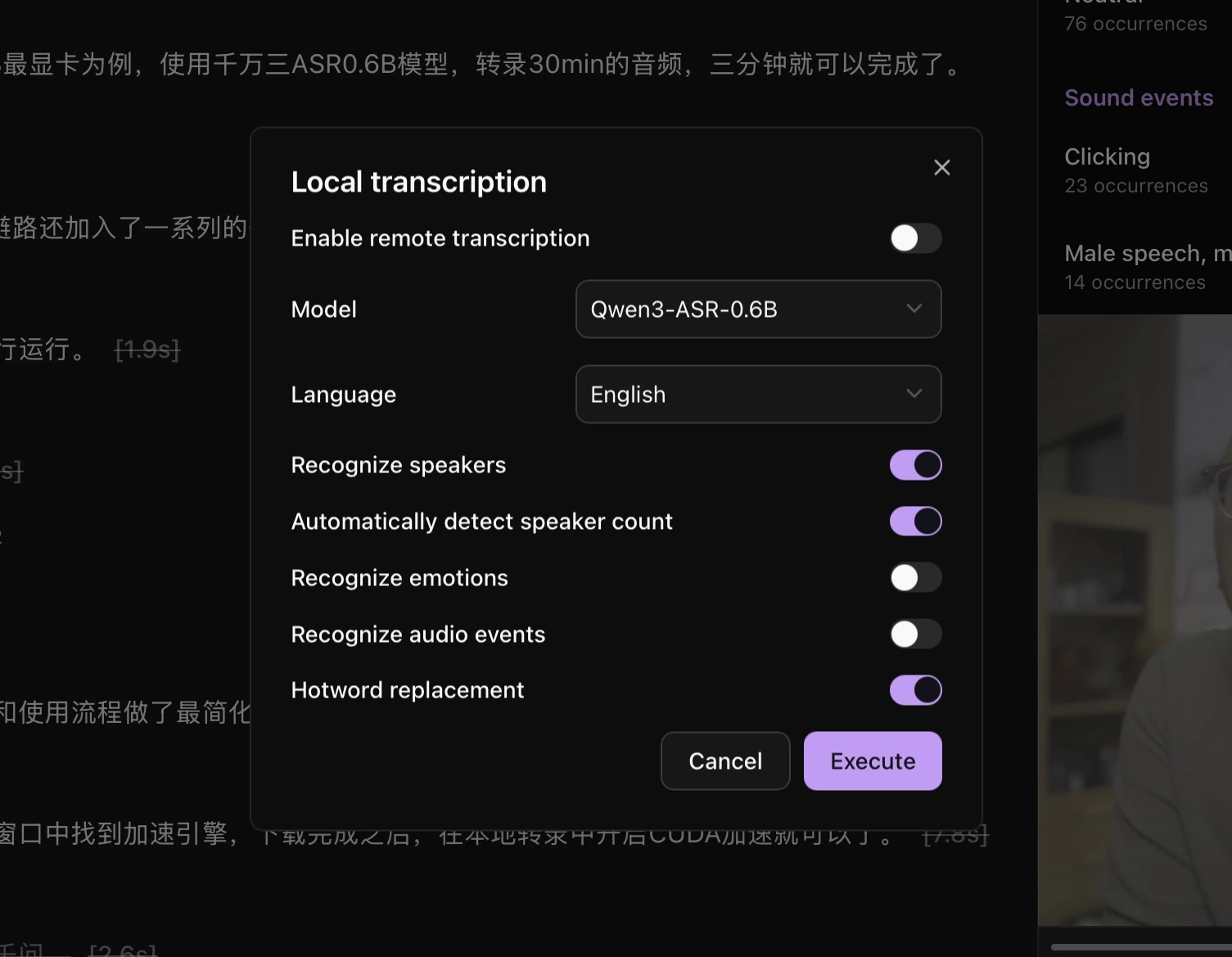
Recognize speakers
Enable Recognize speakers during transcription. Leave Automatically detect speaker count on if you do not know the number of speakers.
Change a speaker name
- Click the speaker name above a transcript paragraph.
- Select a registered speaker or enter a name.
- Click Update this sentence, or use Update all to update the matching speaker label throughout the current file.
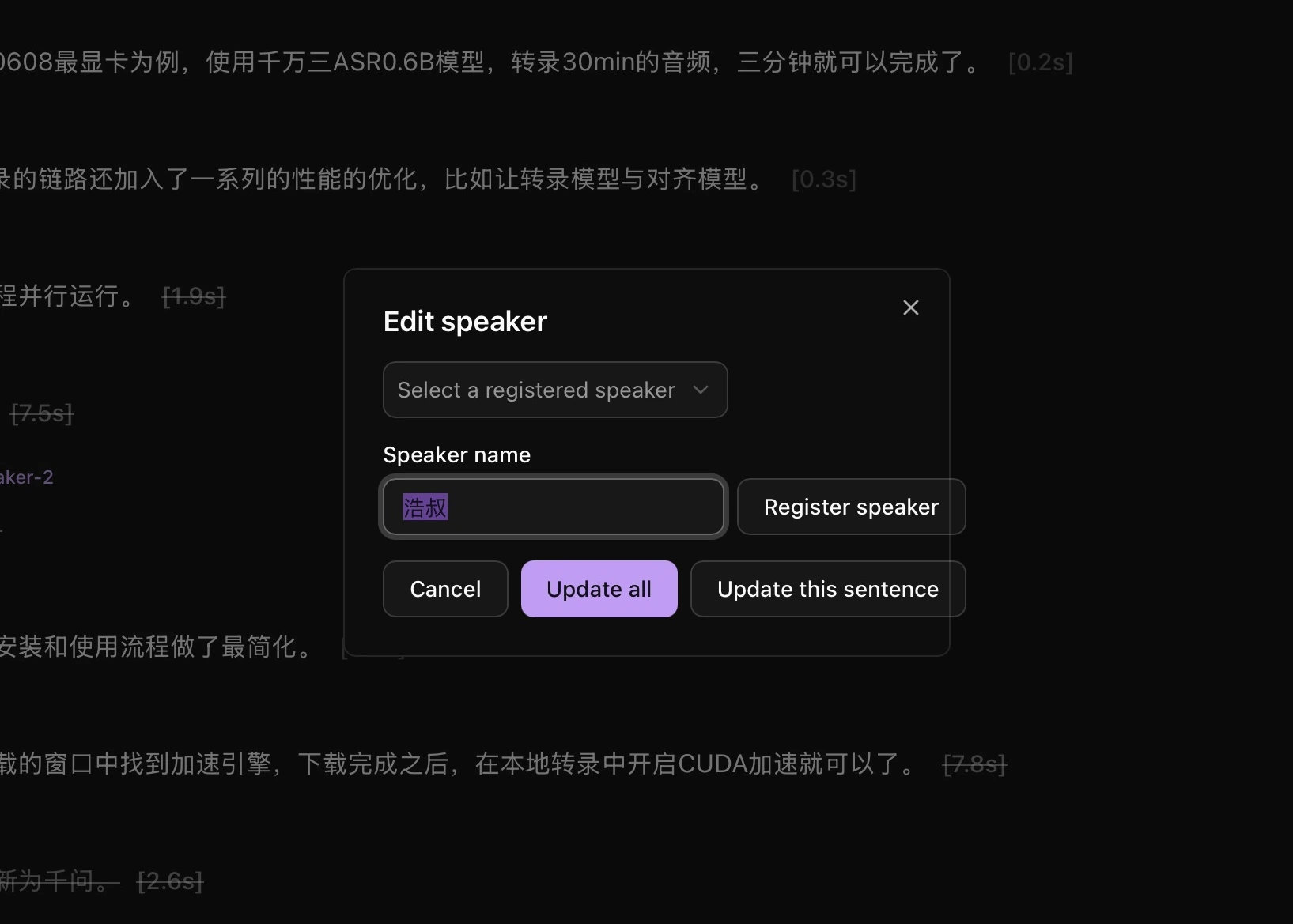
To recognize this person in later media, select a clear single-speaker sample and use the speaker registration action.
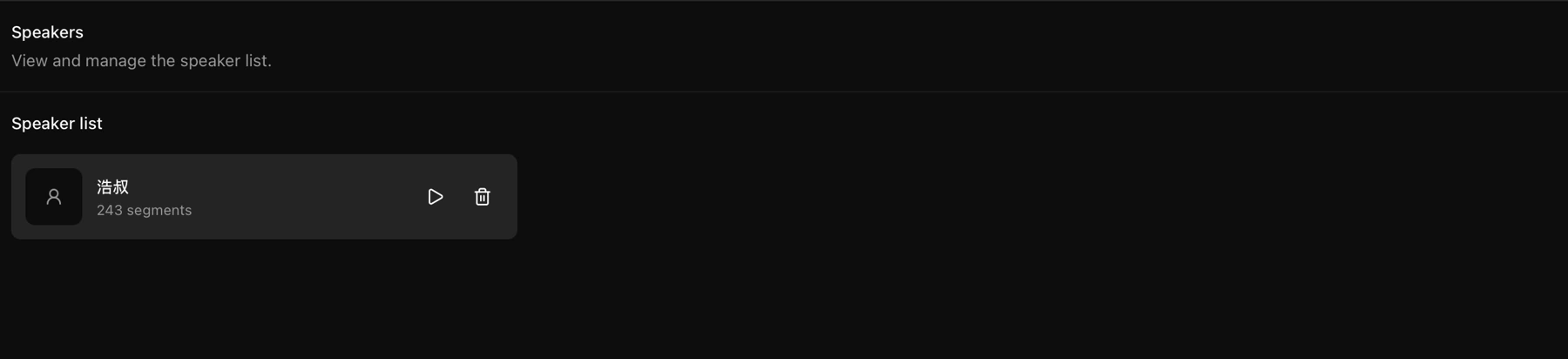
Manage speakers
Click Speakers in the left navigation to listen to samples, view associated segments, or remove a speaker.